
We have all seen it. You are scrolling, half awake, and a post screams that a beloved actor, musician, or reality TV icon has died. Comments are a mix of heartbreak and “RIP,” and your thumb is already hovering over Share.
Take a breath. Viral celebrity death hoaxes spread fast because they hit the nervous system first and the brain second. The good news is you can verify most of them in a few minutes with the right steps.

Your 60-second reality check
If you do nothing else, do these four things before sharing:
- Check for confirmation from major outlets (AP, Reuters, BBC, CNN, ABC News, NBC News, The New York Times, The Guardian). If it is real, at least one will have it quickly.
- Search the celebrity’s name + “dead” + “AP” or “Reuters.” This filters out random blog spam.
- Look for an official statement from a verified account, a publicist, a family member, the celebrity’s verified website, or their employer (studio, label, team).
- Check the date and time on the post and on any “screenshot” it includes. Old news and fake updates are hoax fuel.
Step-by-step: how to actually verify
1) Start with credible wire and newsroom reporting
When a major celebrity passes, reputable newsrooms do not “wait for vibes.” They confirm with a publicist, family representative, law enforcement, hospital spokesperson, or another primary source.
What to do:
- Google the name + site:apnews.com or site:reuters.com.
- Open 2 to 3 reputable articles and see if they cite who confirmed it.
- Be wary of stories that only cite “social media,” “multiple posts,” or “fans speculate.”
2) Check the celebrity’s verified accounts, but do it smartly
Verified accounts can still be hacked, and parody accounts can look terrifyingly real at a glance.
What to do:
- Click through to the profile, do not trust a reposted screenshot.
- Check the handle, not just the display name. Hoaxes love one extra character.
- Scan recent posts for normal activity, scheduled promo posts, or sudden tone shifts.
- If the “announcement” is only in Stories and not in a post, treat it as unconfirmed.
3) Verify the source everyone is quoting
Death hoaxes often start from an account with a name like “Daily Hollywood Updates” or a brand-new TikTok with zero track record. The post goes viral, and then everyone repeats it like a game of telephone.
What to do:
- Tap the account and look at account age, past accuracy, and whether they credit sources.
- Look for a pattern of sensational posts: “BREAKING,” “CONFIRMED,” “OMG,” then no links.
- Search the exact wording of their claim in quotes. If every result traces back to them, you are watching a rumor being born in real time.
4) Reverse image search any proof photo
A classic hoax move is attaching an older hospital photo, a paparazzi shot from years ago, or an unrelated tragedy photo with a new caption.
What to do:
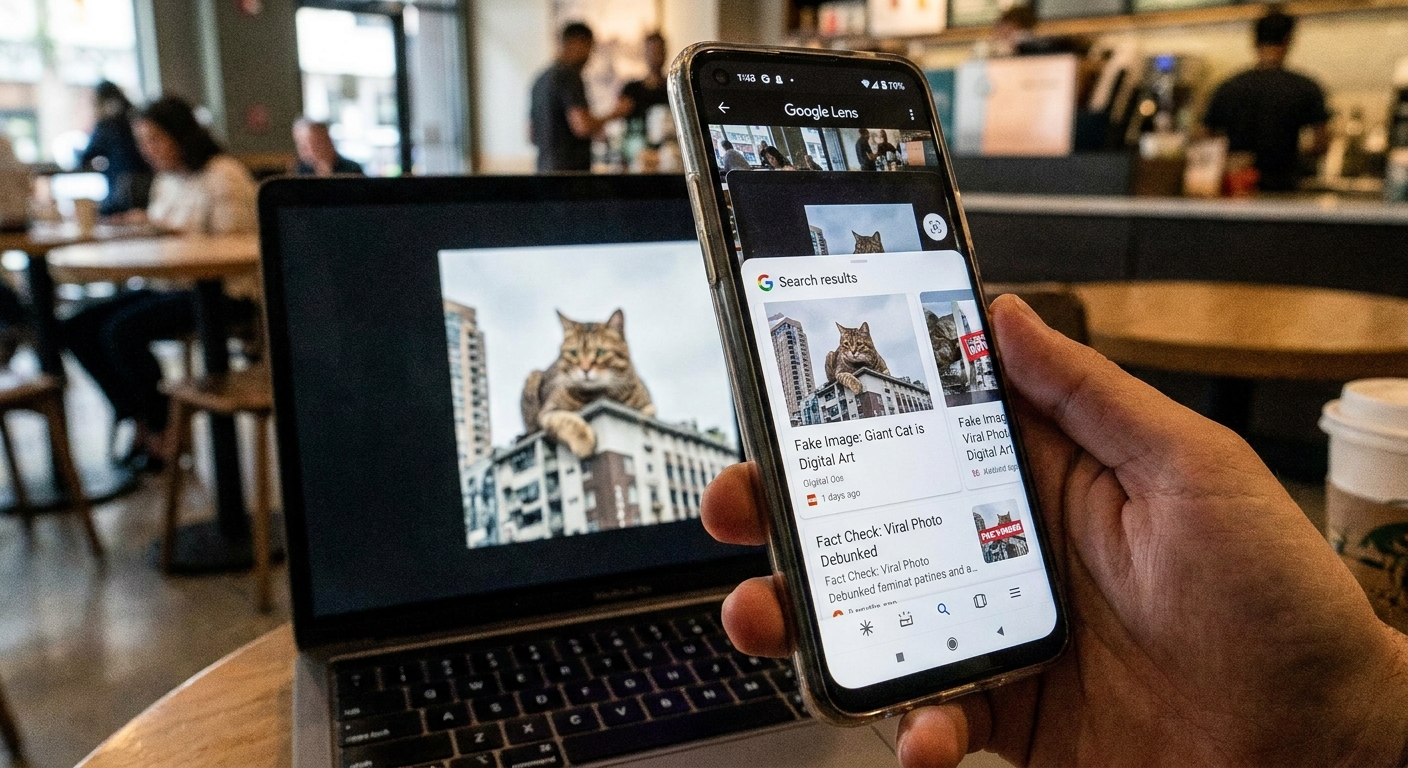
- On your phone, long-press the photo and use Google Lens or the platform’s “Search” feature.
- Check the earliest date the photo appeared and what it was originally about.
- If the same photo shows up tied to multiple different celebrities, congrats, you found recycled hoax content.
5) Watch for fake screenshots and edited headlines
It is alarmingly easy to edit a screenshot of a news alert, a Wikipedia entry, or a “breaking” banner.
Red flags:
- Blurry or inconsistent fonts and spacing in the “news alert.”
- Missing outlet branding, author name, timestamp, or URL.
- A headline style that does not match that outlet’s real formatting.
- “Wikipedia says they died” as the primary evidence. Wikipedia can be edited by anyone and is often targeted during hoaxes.
6) Check fact-checking sites and trustworthy explainers
If a hoax is big enough, fact-checkers often jump in quickly. They will also document how the rumor started, which is helpful if you are trying to talk your group chat off the ledge.
Where to look: Snopes, PolitiFact (sometimes for major viral claims), and dedicated debunking articles from established outlets.
7) Confirm the location and time details
Hoaxes often include suspiciously vague details: “died in a hospital,” “passed away suddenly,” “family confirms,” but no names, no city, no context.
What to do:
- If an article claims a location, check if other credible outlets match it.
- Be cautious of posts that insist it happened “minutes ago” with no credible update trail.
- If it is truly breaking, information may be limited, but it should still be sourced.
Big hoax red flags
- Only one outlet is reporting it, and it is not a major newsroom.
- No named sources, just “reports say” or “social media is mourning.”
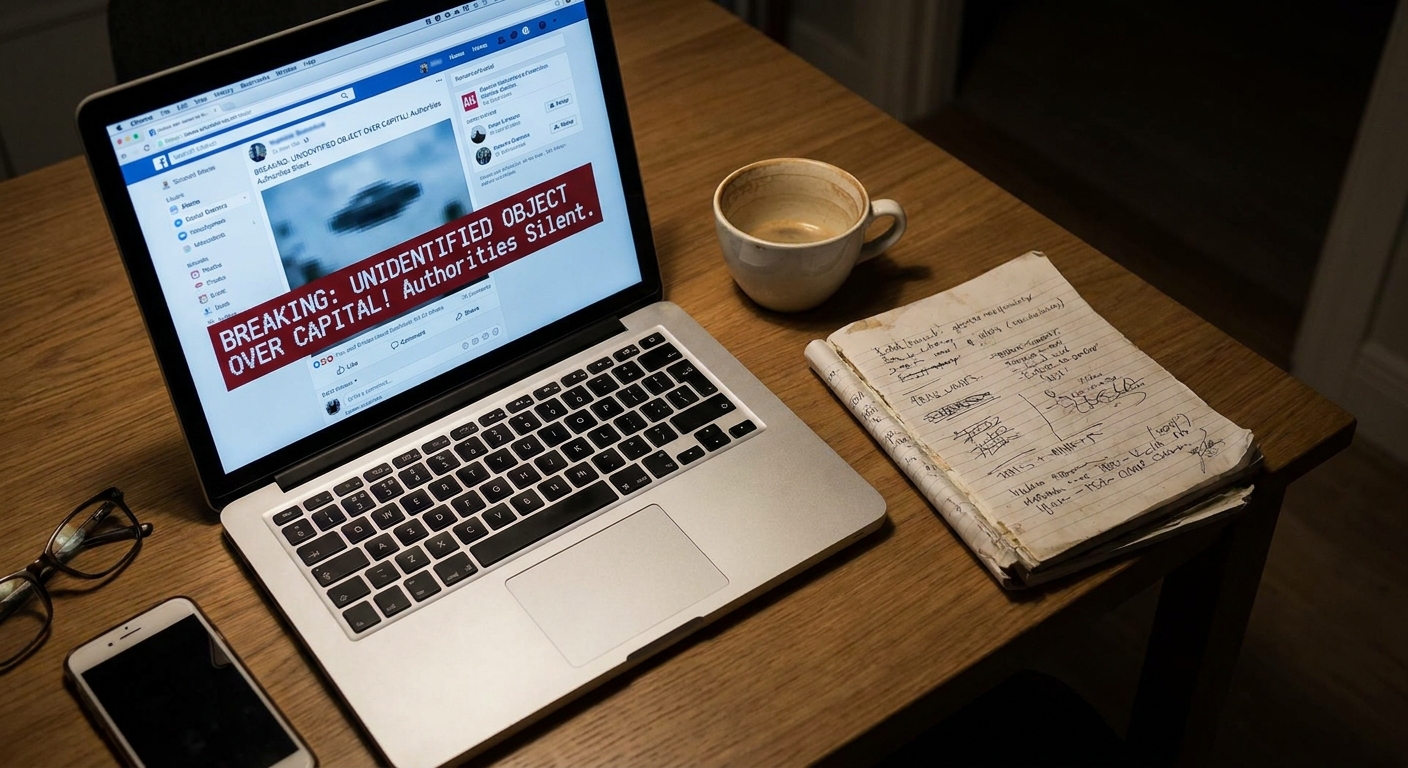
- Engagement bait language: “Share to pay respects,” “I can’t believe it,” “This is so sad,” with no link.
- A fundraising link appears immediately, especially from an unverified account.
- A YouTube video with a misleading thumbnail but no actual confirmation inside.
- Comments turned off or heavily filtered on the original post.
What to do instead of sharing
I get it. When we love someone’s work, the urge to express grief or shock is immediate. But the kindest move is to avoid amplifying a rumor that could hurt real people.
- Pause and bookmark the post instead of reposting.
- Message a friend privately: “Have you seen confirmation from AP or Reuters?”
- Report the post if it is clearly fabricated or impersonating a news outlet.
- Post a neutral wait-and-see if you must say something: “I am seeing unconfirmed reports. Waiting for verified sources.”
If it is real: share with care
When a death is confirmed, there is still a way to be a good internet citizen.
- Link to a credible confirmation instead of a screenshot.
- Avoid graphic details and unverified causes of death.
- Center the human: their work, their impact, their advocacy, and the people grieving them.
- Be careful with “first” language. Nobody wins an award for being first to post something heartbreaking.
If you are not sure it is true, treat it like it is not. That one extra minute can spare a lot of unnecessary panic.
Copy-paste checklist
- Do I see confirmation from AP or Reuters or a major network?
- Is there a named source (publicist, family rep, police, hospital spokesperson)?
- Did I click through to the actual post, not a screenshot?
- Did I reverse search the proof photo?
- Does the account that started it have a track record?
- Am I about to share because I know, or because I feel?
Celebrity news can be fun and still be humane. A little verification is how we keep it that way.