
We’ve all seen it: a 12-second “celebrity interview” clip rockets across TikTok, X, Instagram, or YouTube Shorts, and suddenly the timeline is in full meltdown mode. The problem is not that short clips are inherently easier to fake than long interviews. It is that short clips are often easier to mislead with, because they strip away context and can hide artifacts that might be obvious in a longer cut. A real quote can be chopped into something mean. Audio can be dubbed. A voice can be cloned. A face can be swapped. And once it goes viral, the correction rarely keeps up.
So let’s do the gentle, pop-culture-loving thing and slow down for a beat. Here are seven concrete checks you can do before reacting, reposting, or DMing it to the group chat like it is gospel.
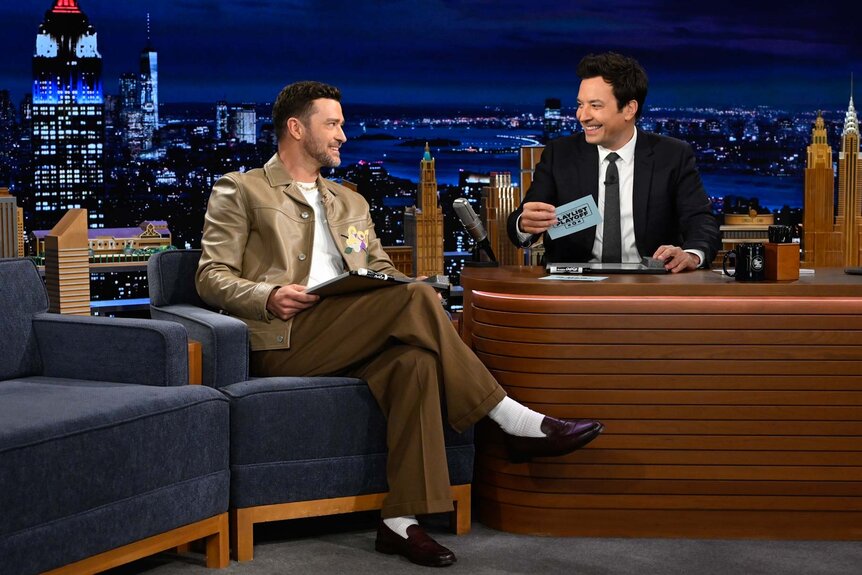
How fake interview clips go viral
Most misleading clips fall into a few repeat categories. Knowing the usual tricks makes the “wait, something feels off” moment a lot easier to trust.
- Out-of-context edits: A real interview is trimmed so the setup disappears and the punchline turns into a “confession.”
- Dubbing: New audio is layered over real video so it looks like the celebrity said something they never did.
- AI voice cloning: A model mimics a star’s cadence and tone, then creators paste that voice onto unrelated footage.
- Face swaps and deepfakes: The face is digitally altered to match the audio, or to make someone appear to be speaking on camera.
- Caption manipulation: On-screen text claims a quote that is not actually said, but people remember the caption more than the sound.
The good news: you do not need to be a tech expert to catch most of these. Also, keep in mind that platforms sometimes label posts as “manipulated media” or “AI-generated,” but those labels are inconsistent. Useful when present, not a pass when absent.
1) Lip sync that does not quite match
This is the classic tell, and it still works. Our brains notice tiny timing issues even if we cannot immediately explain them. Still, treat it as a clue, not proof. Camera angles, frame rate, compression, and normal jump cuts can all make real footage look slightly “off.”
What to look for
- Consonants misfiring: “B,” “P,” and “M” sounds need closed lips. If the lips are open when those sounds hit, something may be wrong.
- “Th” mouth shapes not lining up: “Th” typically uses the tongue between the teeth. If the mouth shape never matches the sound, be cautious.
- “F” mouth shapes not lining up: “F” usually uses upper teeth on the lower lip. If you never see that shape, suspect dubbed audio.
- Odd blinking or facial stiffness: Some AI edits smooth skin or reduce natural micro-expressions.
Quick test
Turn the sound off and watch the mouth for 10 seconds. If it feels like a foreign-film dub, treat it as unverified and move to sourcing checks.
2) Audio that sounds too clean, too flat, or weirdly “near”
Real interviews can be pristine. Many professional broadcasts are extremely clean. What you are listening for is not “messiness,” but consistency: the voice should sound like it belongs in the space you are seeing.
What to look for
- Voice that does not match the room: No audience bed, no matching reverb, or a “close mic” voice over footage that looks far away.
- Sudden audio quality jumps: The voice changes texture mid-sentence, like two different recordings were stitched together.
- Rhythm that feels unnaturally even: AI voices can nail “sound,” but sometimes miss natural breath, emphasis, and emotional peaks.
3) Hard cuts that remove the question or the setup
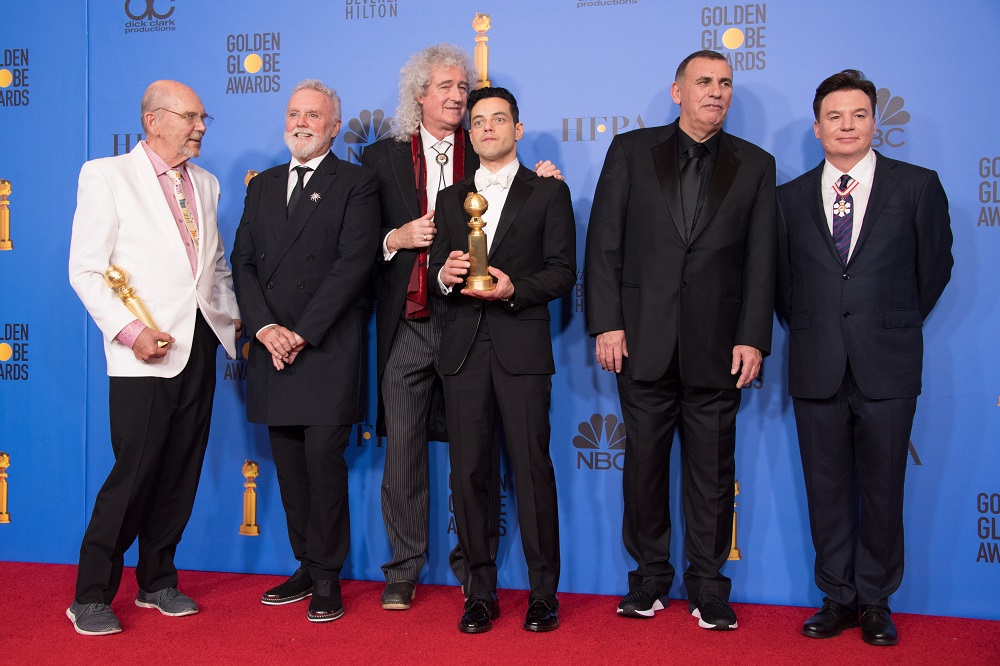
If you do not hear the interviewer’s full question, you cannot fairly judge the answer. A lot of viral “gotcha” clips are built on missing context.
What to look for
- Jump cuts every few words: This can be normal for pacing, but it is also how editors splice together different moments.
- Reaction shots that feel off: The camera cuts to the host nodding, but the nod may be from an entirely different part of the conversation.
- Captioned “question” with no audio: If the clip tells you what was asked but you never hear it, be cautious.
Quick test
Ask: “Could this answer mean something totally different if I heard the full question?” If yes, do not treat it as a clean quote.
4) No clear source outlet, or the source looks sketchy
A real interview usually has an origin you can trace: a network, a magazine, a podcast, a film junket, a press conference, a verified livestream. But sometimes legitimate clips are hard to track down, especially local segments, event hallway interviews, or embargo-era reposts. If you cannot trace it, treat it as unconfirmed and keep digging before you share.
What to check
- Look for the original logo and format: Does the clip show a recognizable set, mic flag, or lower-third graphic?
- Check the account: Is the uploader a verified outlet, journalist, or the celebrity’s official page? Or a meme account that posts everything under the sun?
- Search the supposed show or publication: If it “came from” a talk show, that show likely posted the segment or at least stills.
And yes, accounts can steal real footage. The point is whether you can find the first credible upload, not just a repost farm.
Extra shortcut: check reputable entertainment reporters and trades who routinely debunk viral clips on X and Instagram.
5) Find a longer cut or transcript
This is my favorite sanity check because it is so simple: if it is real, more of it often exists somewhere.
Where to look
- YouTube channels of the network or interviewer
- Podcast feeds for long-form interviews
- Entertainment outlets that publish Q&As or recaps
- Official social pages that post extended clips
What to compare
- Does the viral quote appear in the full version?
- Is it missing key sentences right before or after?
- Does the tone change when you hear the entire exchange?
If you cannot locate a longer cut, that does not automatically mean it is fake. It does mean you should treat it as unverified until a credible source backs it up.
6) Check upload patterns when possible
Metadata is not always available on social apps, but you can still learn a lot from what is visible.
Clues you can actually use
- Re-uploads with different dates: If the same clip appears with multiple “original” dates, it may be recycled or altered.
- Odd cropping and repeated compression: Blurry text, crushed audio, and warped edges can indicate the video was downloaded, edited, and re-uploaded several times.
- Filename hints (rare): Occasionally, a repost will expose an editing-app tag or an overly on-the-nose filename. Do not count on this, but if you see it, take note.
If you have the file itself, you can also inspect it using basic tools on your computer, but even without that, upload patterns can be revealing.
7) Reverse search the visuals and the sound
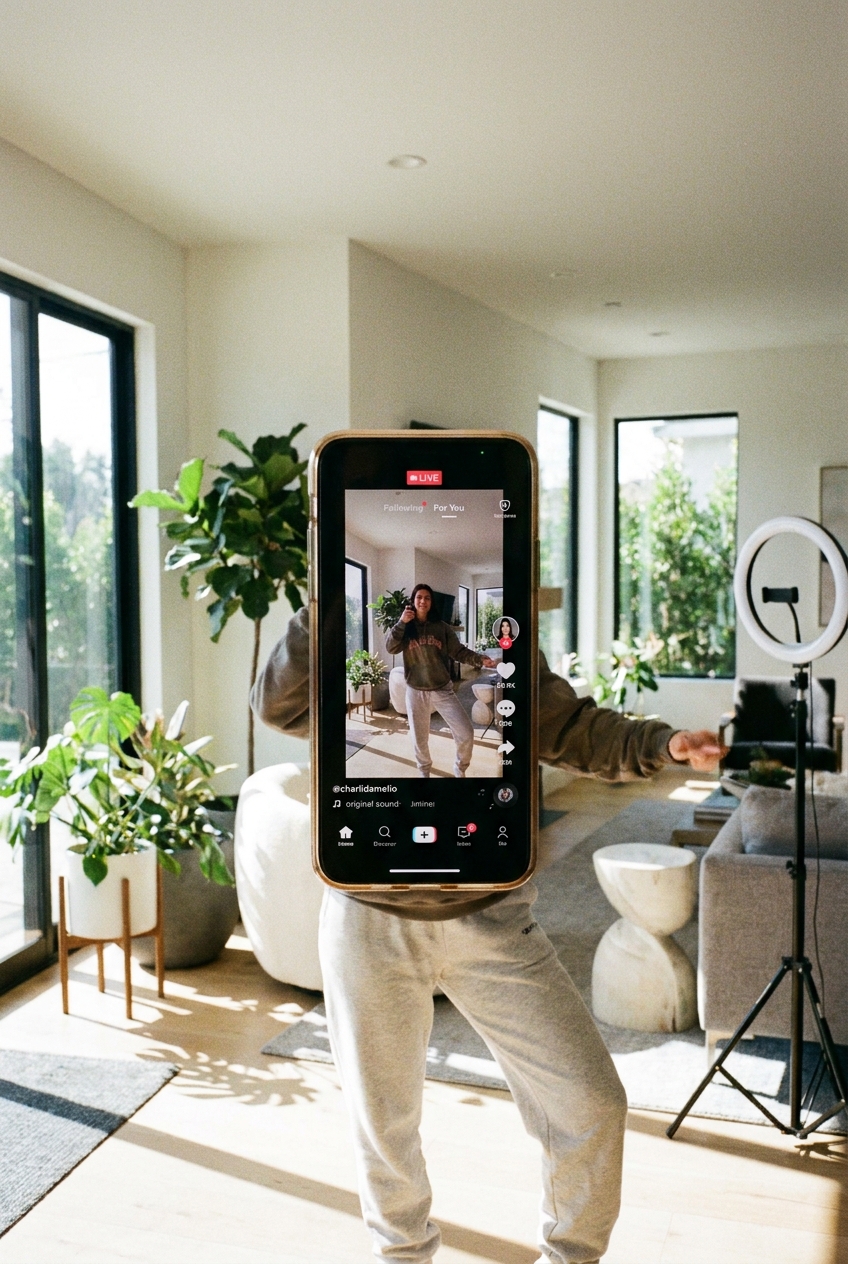
When a clip is out of context, a reverse search can often lead you right back to the original interview, or to the completely different event it was pulled from. As deepfake tells get harder to spot, this kind of sourcing check often matters more than squinting at pixels.
Reverse image search (frames)
- Take a screenshot of a clear frame with the celebrity’s face and background.
- Use Google Images, Bing Visual Search, or TinEye.
- Look for older matches, higher-quality versions, or articles that identify the actual interview date.
Reverse “audio” search (practical version)
- Type a distinctive sentence from the clip into Google with quotation marks.
- If captions are present, search the caption text too, since many fakes use the same script across accounts.
- Check if fact-checkers or entertainment trades have addressed it. These clips often repeat.
If your search results show the same words used across unrelated celebrity videos, that is a red flag for a reused AI script.
Before you share: a quick checklist
If you want a simple pause button before reposting, run this mini list.
- Do lips match the words, especially B, P, M, F, and Th sounds? (A mismatch is a clue, not a verdict.)
- Does the audio match the space, or does it sound pasted on?
- Do you hear the full question and surrounding context?
- Can you identify a credible original outlet or verified upload?
- Can you find a longer cut or transcript that includes the quote?
- Does the upload pattern look consistent, not recycled across accounts?
- Have you reverse searched a frame and the key line?
Celebrity culture is supposed to be fun. A little verification keeps it fun, and it keeps real people from getting dragged over something they never actually said.
If a clip makes you instantly furious or instantly obsessed, that is usually the exact moment to verify it.
If you already shared it
No shame. The algorithms are built for speed, not accuracy. If you realize a clip is misleading, you can:
- Delete or edit your post and note it was unverified.
- Reply with the correction and link to the full interview or credible source.
- Report the video if it uses impersonation, manipulated media, or deceptive editing.
That tiny step actually helps your friends and followers, and it helps slow the next wave.